Draw
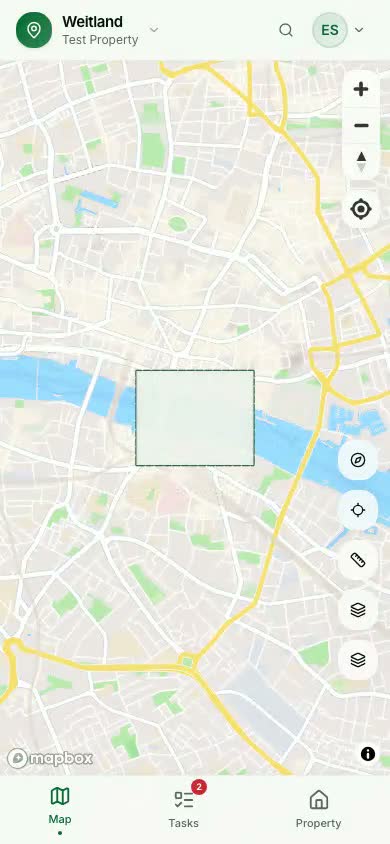
Outline your property once. On the web with click-and-drop, on mobile with a crosshair you pan into place.
01Weitland turns any property — backyard, smallholding or estate — into a living map. Draw your boundary, auto-detect buildings and terrain, pin tasks to exact spots, and let recurring maintenance schedule itself.
Built on the same map stack professionals use
Why Weitland
Fences rot. Gutters clog. Trees outgrow their space. Pumps need winterising. You know the work — but by the time you remember, it's already late. Weitland is a single place where your land lives: every element, every job, every person responsible.
Outline your property once. On the web with click-and-drop, on mobile with a crosshair you pan into place.
01Weitland reads Mapbox vector tiles inside your boundary and hands you buildings, roads and terrain as editable elements.
02Pin tasks to a specific shed, gate, tree or point on the map. Group by layer. Share with your team.
03Three flavours of recurrence — fixed, relative, and "every 2nd Saturday of the month" — handle every chore rhythm.
04Features
Draw the boundary once and Weitland pulls everything inside it — buildings, paths, water, vegetation — straight from live Mapbox vector tiles. No tracing, no guesswork.
Sheds, pumps, gardens, hedges, gates, compost heaps — if it matters, it's a first-class element with its own photos, notes, tasks and history.
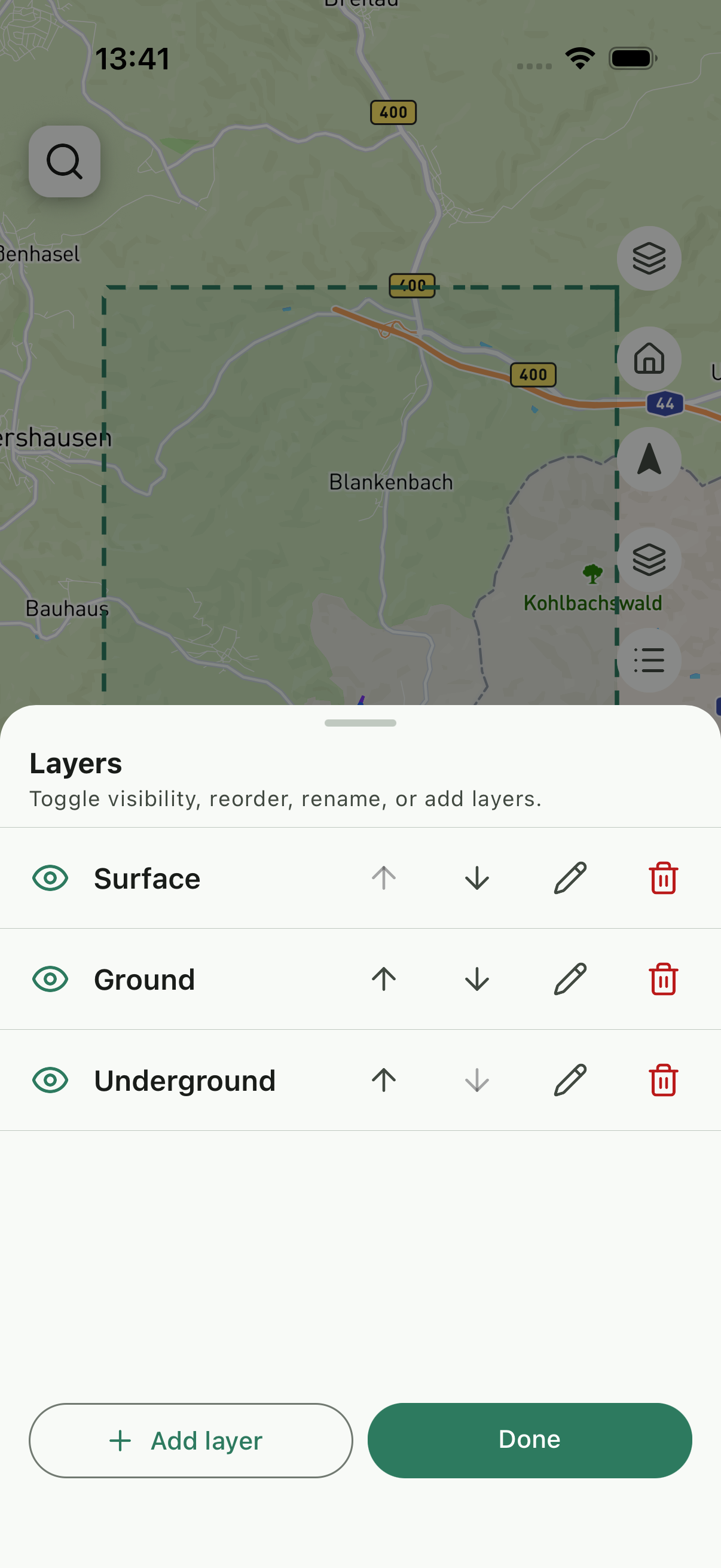
Weitland paints your property in ordered layers — toggle them like a GIS pro. Hide underground utilities when planting; show them when digging.
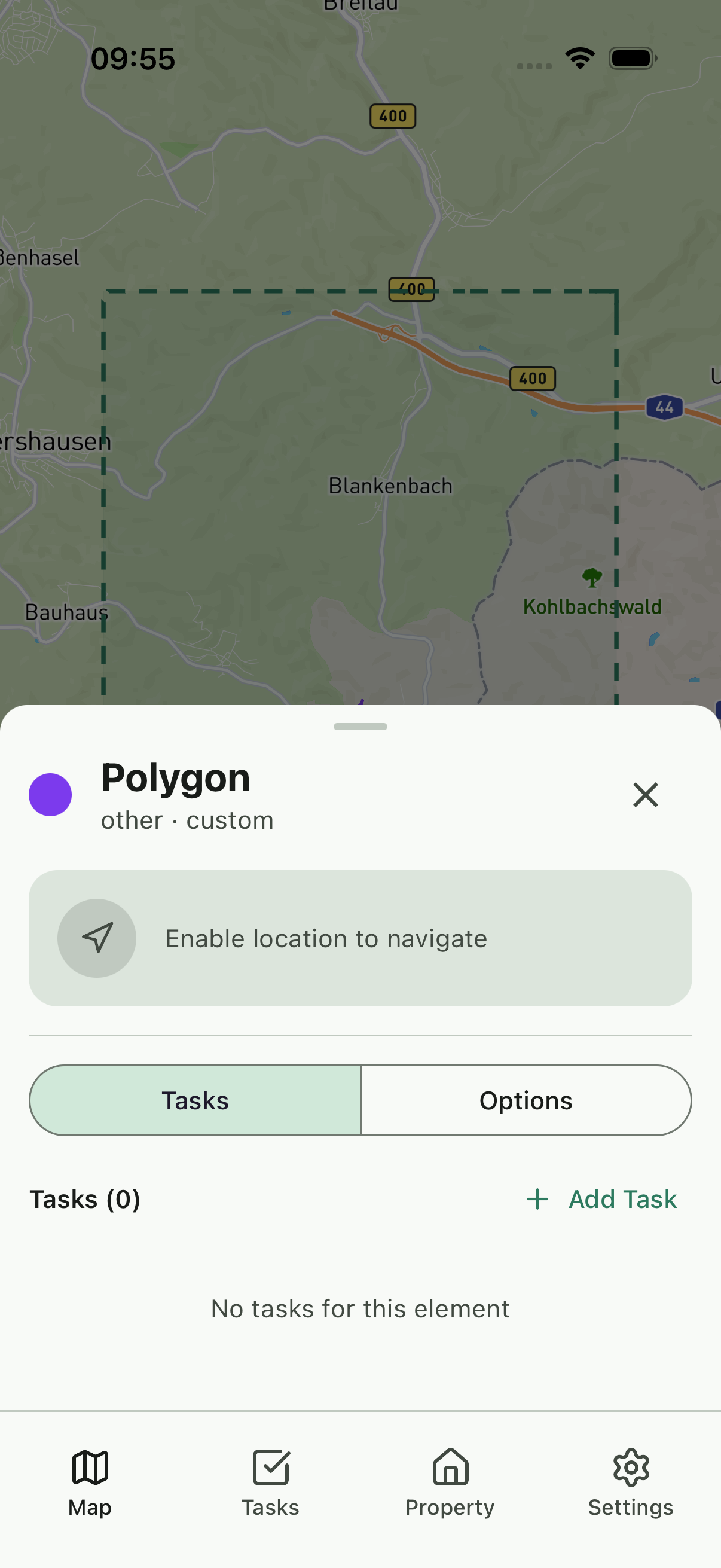
Pin a task to an element, a map point, or the spot you're standing on. Pick one of three recurrence modes and Weitland handles the calendar — forever.
Invite a partner, a gardener, a property manager. Assign by role. See who's doing what, when, and how much.
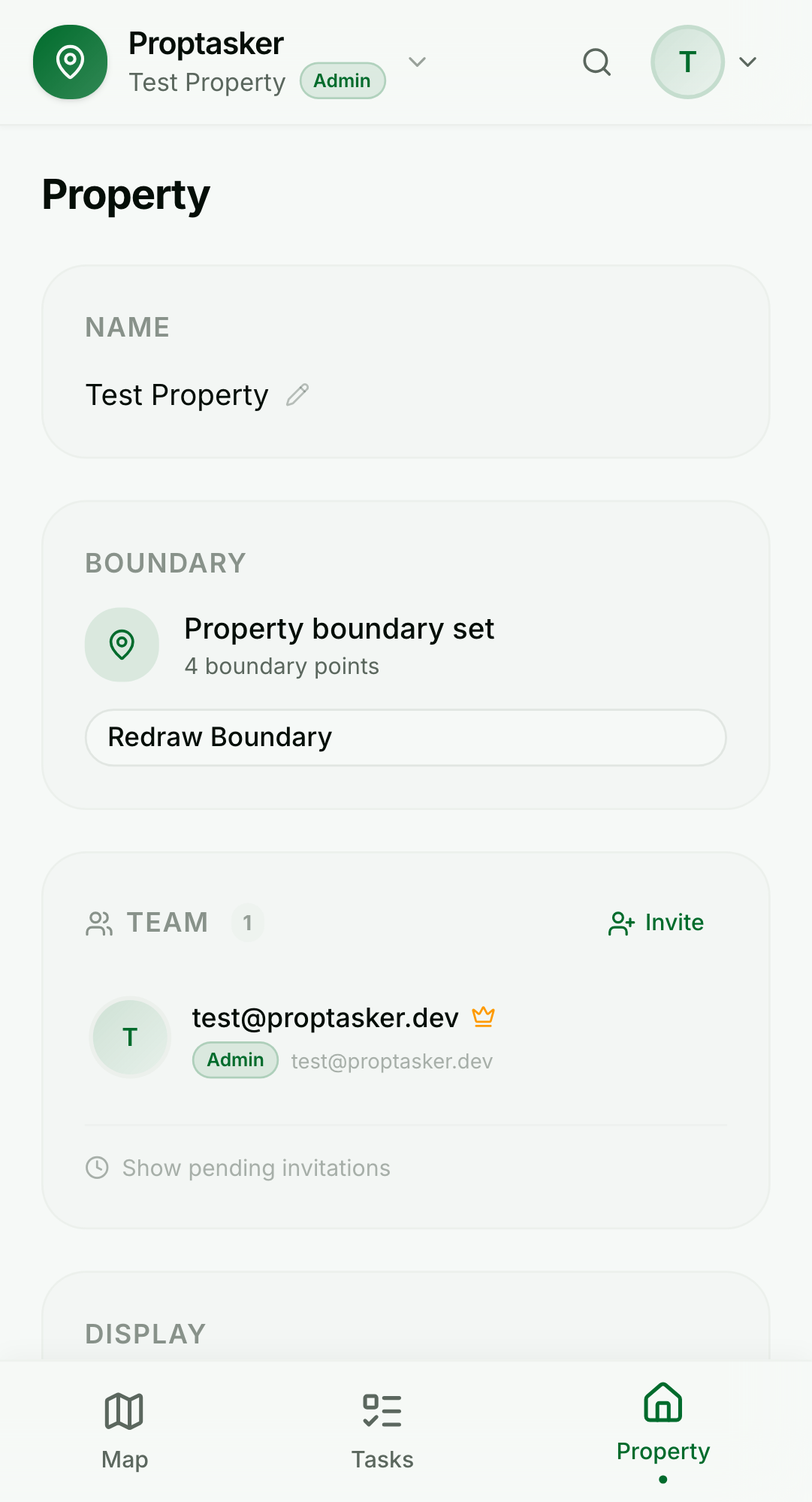
A native iOS and Android app for when you're outside. A full desktop workspace for planning season. Same account, same data, instantly in sync.
How it works
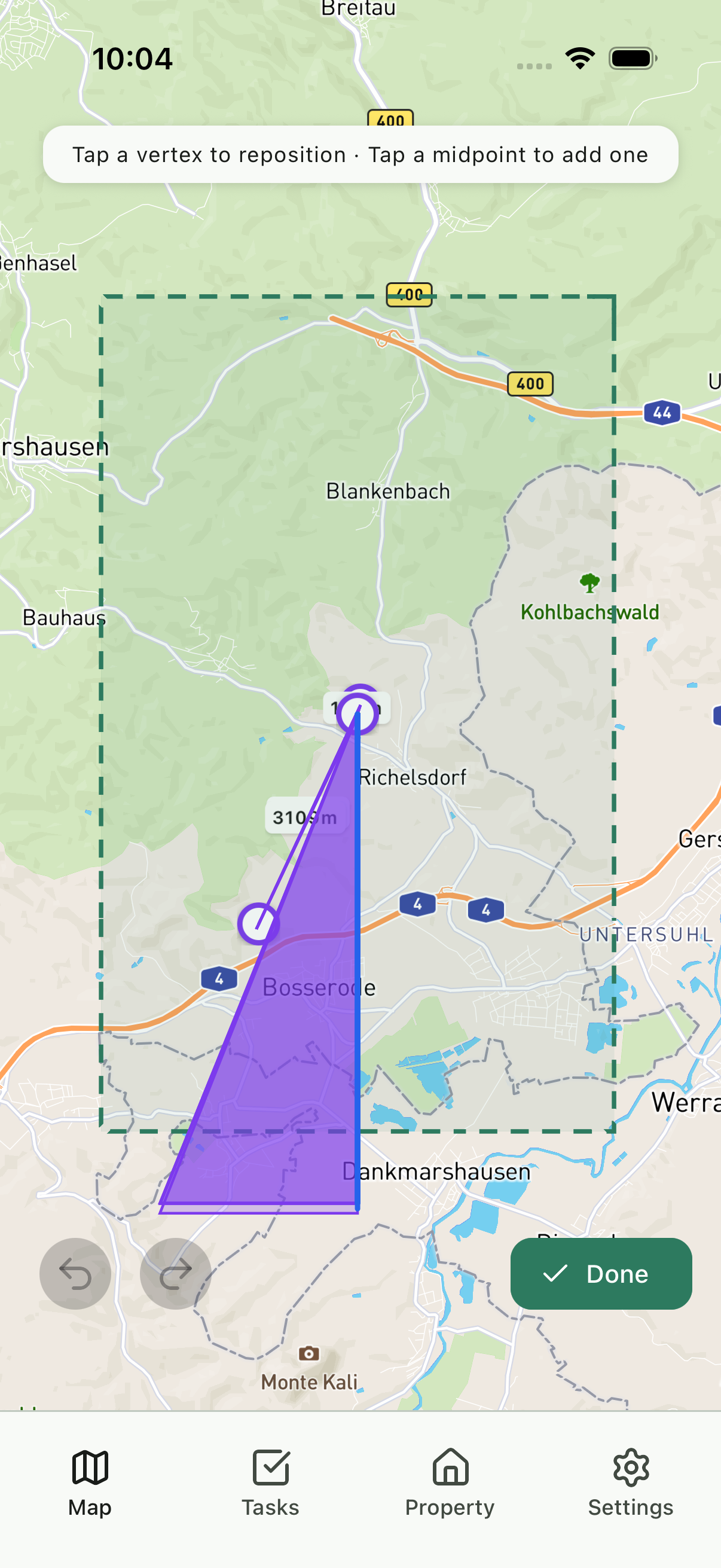
Pan the crosshair to drop vertices, or click on the desktop map. Weitland closes the polygon for you.
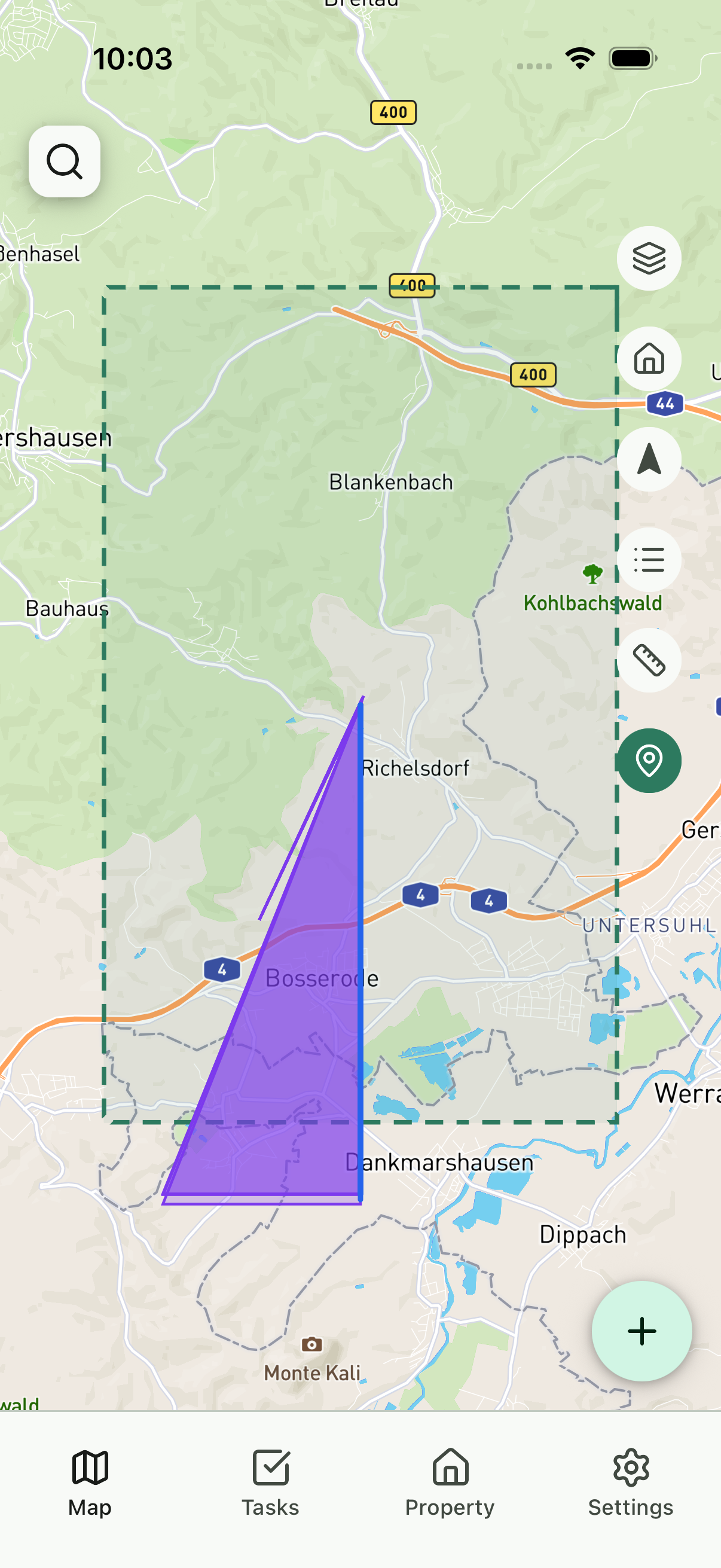
Buildings, fences, paths and terrain inside your boundary are extracted automatically — usually in a single second.
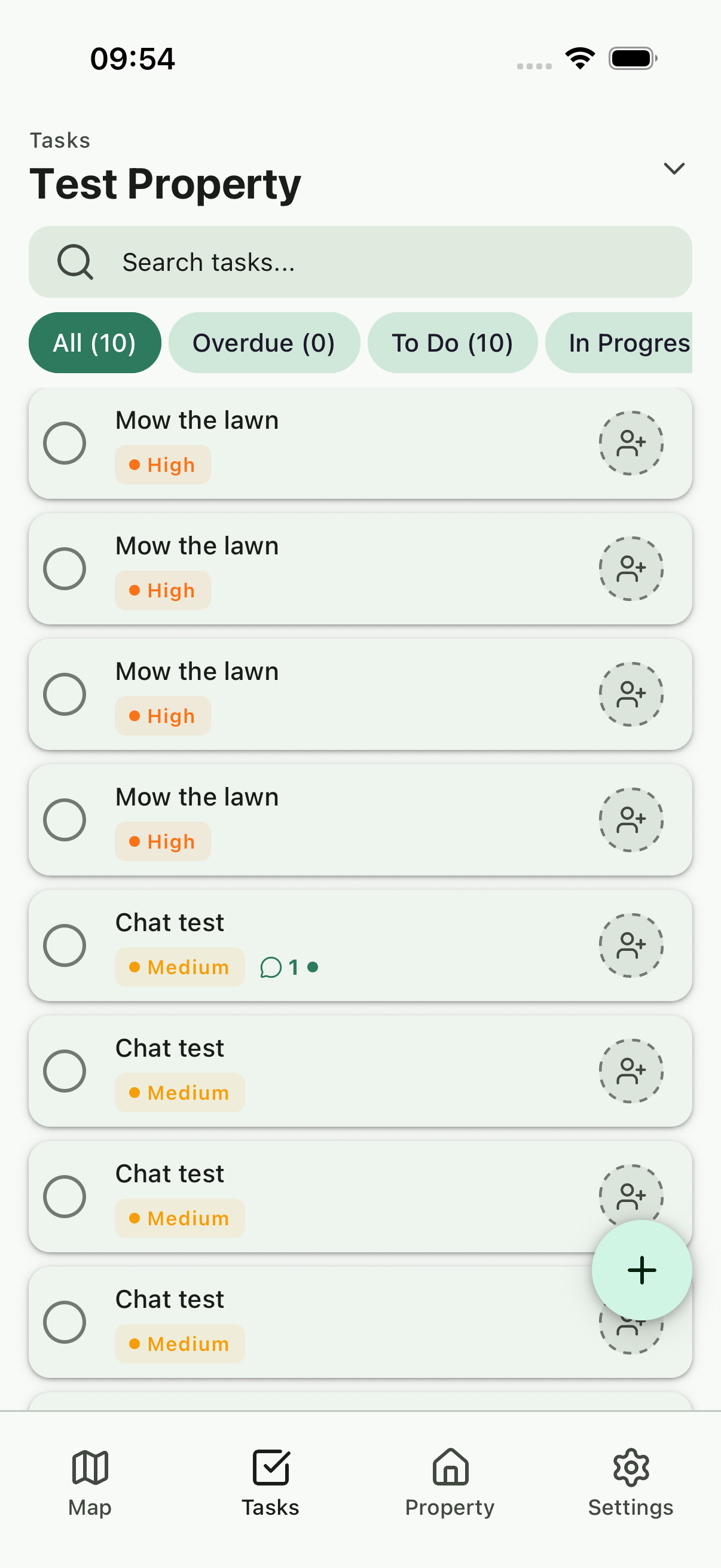
Tap a shed, a tree, or anywhere on the map. Describe the job. Attach photos. Set who's responsible.
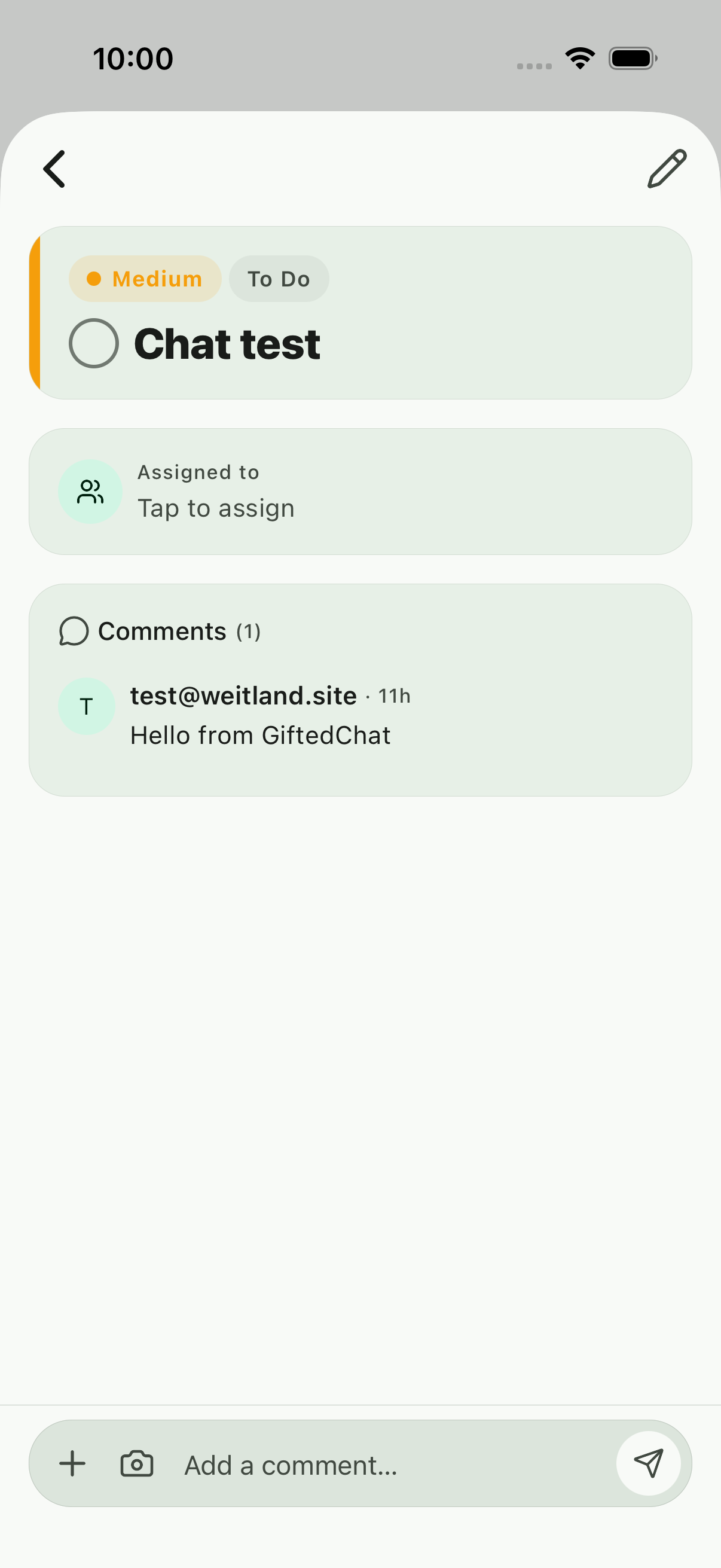
Recurring jobs regenerate their next due date the moment you complete them. Nothing to reschedule, ever.
See it in motion
No smoke, no mirrors — every clip below is a screen recording of Weitland running in a browser, captured straight from our end-to-end test suite.
The map is layered. Tap a row, hide a layer, switch to satellite — all in under a second.
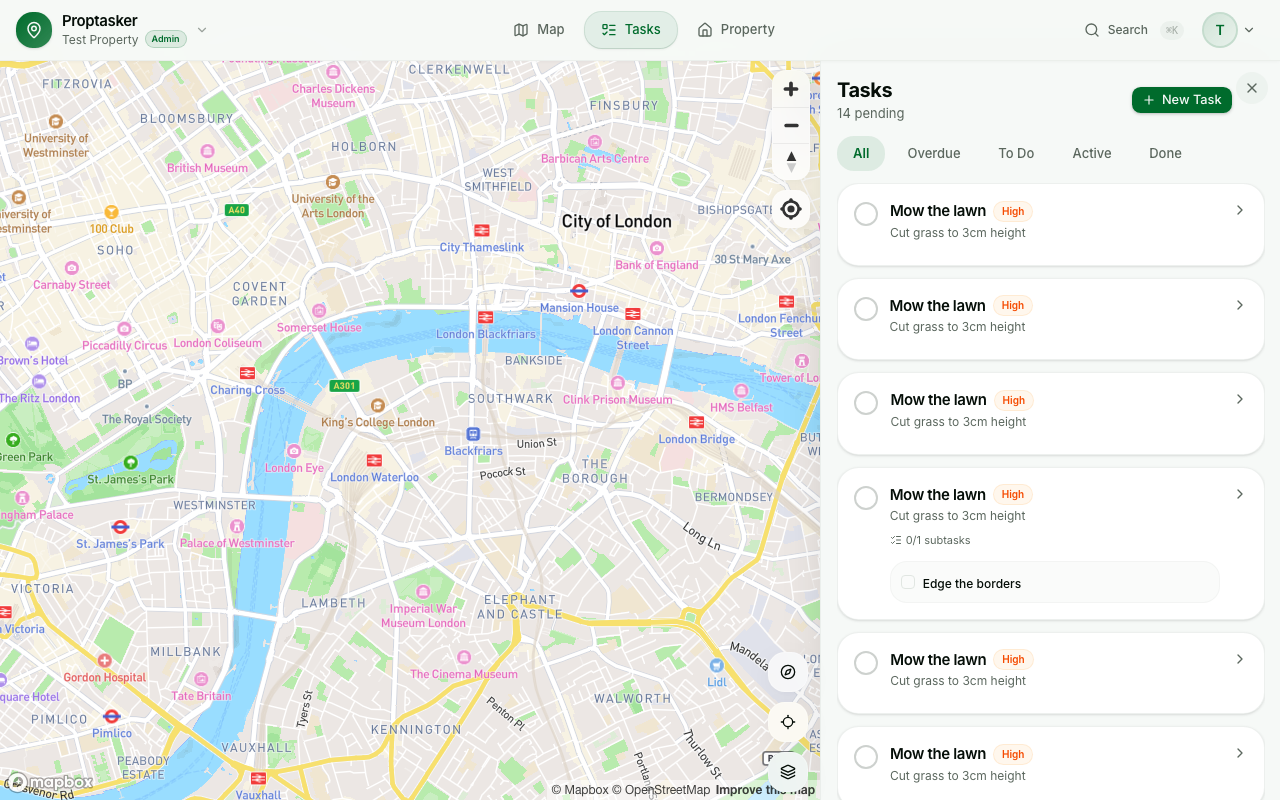
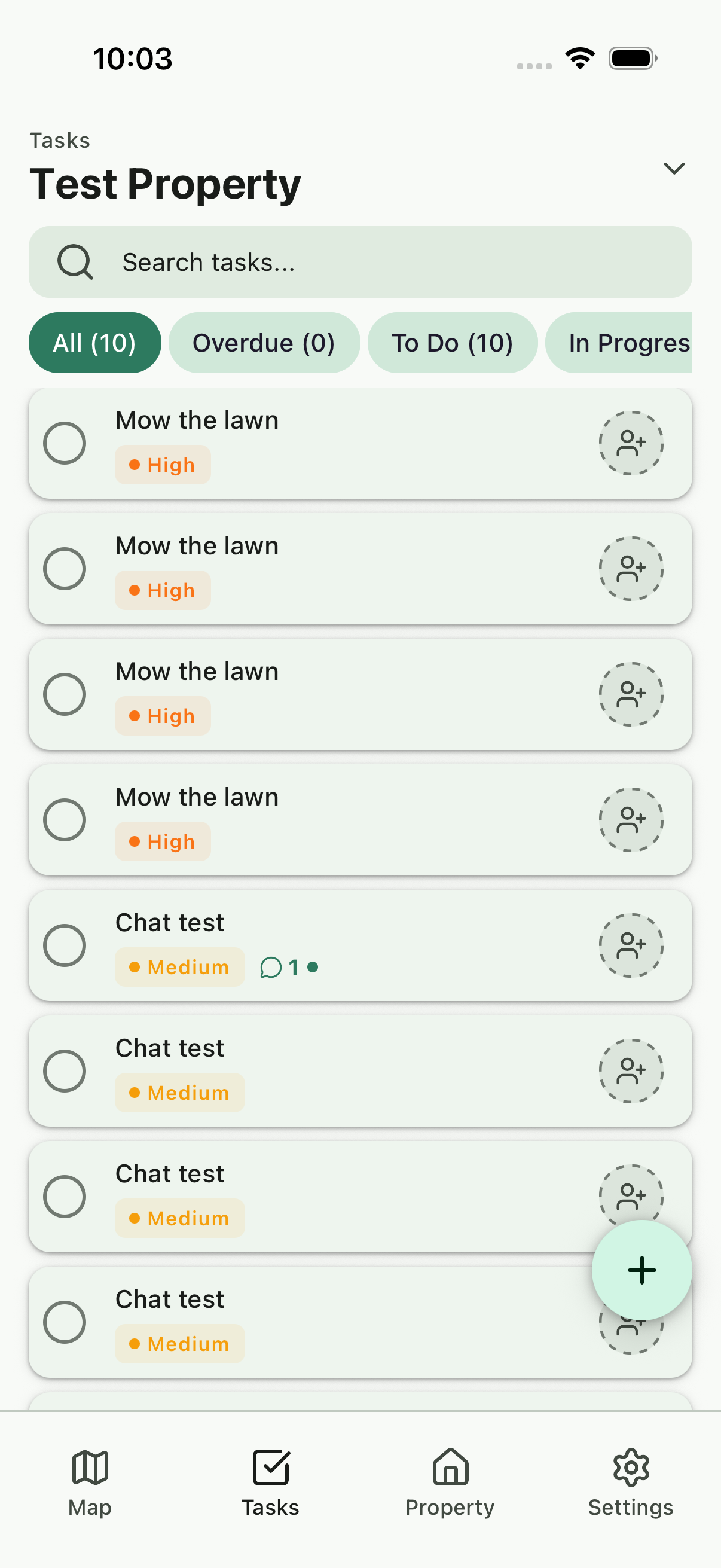
Priorities, overdue markers, subtasks, recurrence — a task inbox built for long-running properties.
Title, description, priority, and you're done. Pin it to an element later, or right away.
One account, every screen
Weitland is a responsive web app plus native iOS and Android clients, all built on the same shared core. When you tick off a task in the barn, it's done on the desktop dashboard before you're back at the house.
Loved by early users
I used to keep a paper notebook in the tractor. Now my wife, my neighbour and I all see the same map — and the overdue jobs glow red.
Ralf H.
Smallholder, Lower Saxony
The recurrence modes alone saved me hours of setup. "Every 2nd Saturday" isn't a thing in most task apps. It is here.
Priya S.
Property manager, Bristol
Drawing the boundary on my phone while walking the fence line was one of those moments where the software just disappears.
Mikael T.
Vineyard owner, Mosel
FAQ
The open beta is free for everyone. Paid plans will follow once the product is stable, and early adopters will always have a generous free tier.
Anywhere Mapbox has tile coverage — which is essentially the whole world. Element auto-detection quality depends on how well your region is mapped in OpenStreetMap.
Not for the web app — it opens in any modern browser. Native iOS is available via TestFlight, and Android via our closed testing programme.
You do. Everything you draw, note or upload is stored against your account. You can export or delete it at any time.
Yes. Invite by email, pick a role, and they join the property. Admins manage elements and tasks; viewers can see but not edit.
Three modes: Fixed repeats on a strict calendar cadence. Relative schedules the next due date N units after you mark it done. Ordinal handles rhythms like 'the 2nd Saturday of every month'.
Create your first property in under two minutes. No card, no commitment — just a clearer head about what needs doing.